记录一下折腾自己服务器部署网易云API,用于Melotopia的过程。

1 Melotopia
这是一个鸿蒙原生的音乐app,可以通过接入网易云API来接收你网易云的账户信息。
2 如何LLM增强
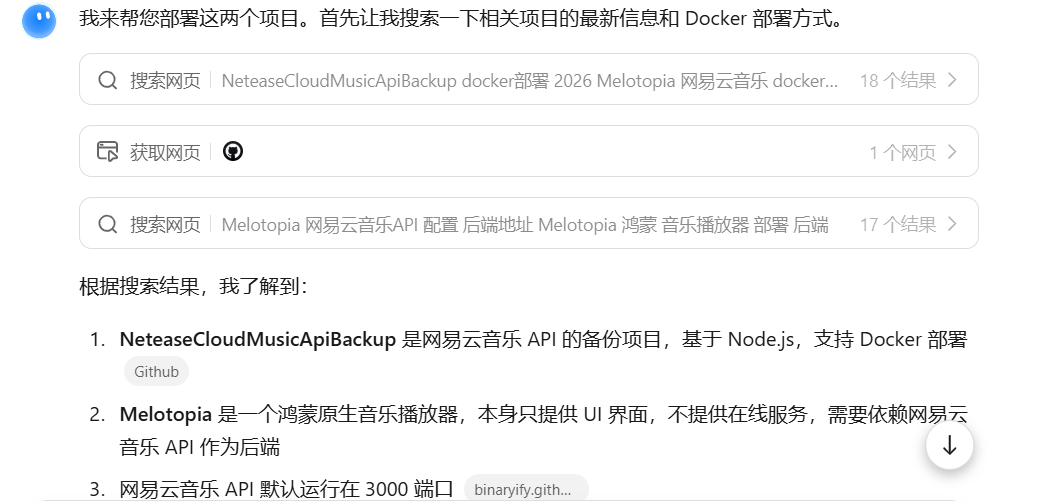
其实就是随手挑了kimi把github发给它,让它帮我想部署的事。
3 部署流程
我直接一键用kimi来生成部署脚本。试错了一圈,kimi说用node来部署。
直接 Node 部署
1
2
3
4
5
6
7
8
9
10
11
|
sudo apt install nodejs npm -y
cd /home/melotopia/netease-api-src
npm install
npm start
|
后台运行(PM2)
1
2
3
4
5
6
7
8
9
10
|
sudo npm install -g pm2
cd /home/melotopia/netease-api-src
pm2 start app.js --name netease-api
pm2 save
pm2 startup
|
然后要更新Nginx 配置(添加 API 代理)
1
2
3
4
5
6
7
8
9
10
11
12
13
14
15
16
17
18
19
20
21
22
23
24
25
26
27
28
29
30
31
32
33
34
35
36
37
38
39
| sudo tee /etc/nginx/sites-available/yousite << 'EOF'
server {
listen 80;
server_name 你的域名;
return 301 https://$server_name$request_uri;
}
server {
listen 443 ssl;
http2 on;
server_name 你的域名;
root 你网站的根目录;
index index.html index.htm;
ssl_certificate /etc/letsencrypt/live/yousite/fullchain.pem;
ssl_certificate_key /etc/letsencrypt/live/yousite/privkey.pem;
include /etc/letsencrypt/options-ssl-nginx.conf;
ssl_dhparam /etc/letsencrypt/ssl-dhparams.pem;
# 网易云 API 反向代理
location /api/ {
proxy_pass http://127.0.0.1:3000/;
proxy_set_header Host $host;
proxy_set_header X-Real-IP $remote_addr;
proxy_set_header X-Forwarded-For $proxy_add_x_forwarded_for;
proxy_set_header X-Forwarded-Proto $scheme;
}
location / {
try_files $uri $uri/ =404;
}
access_log /var/log/nginx/yousite.access.log;
error_log /var/log/nginx/yousite.error.log;
}
EOF
sudo nginx -t && sudo systemctl reload nginx
|
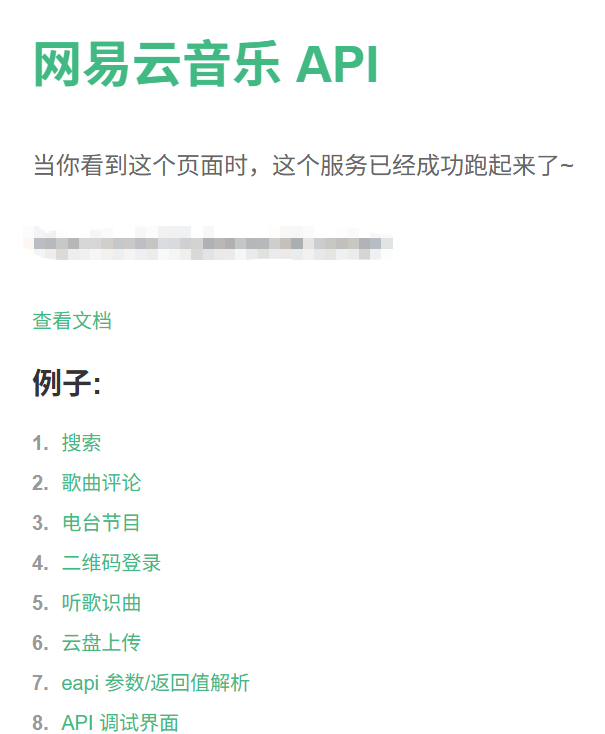
最后就测试API就好了。
1
2
3
4
5
|
curl http://localhost:3000
curl https://你的域名/api/playlist/detail?id=19723756
|
放几张运行的关键截图。


后续在手机鸿蒙端的Melotopia设置云端API接口登录网易云即可。