D3L Tool of NASA Satellite User Guide (v2.0)
By Mr.Dai. The software and user guide will continue to evolve with suggestions.
v2.0 Main Interface

Double-click D3LToolNASA.exe (single file, no Python needed; macOS/Linux builds are on GitHub Releases,
or pip install d3ltool). Search panel on the left, results top-right, download queue bottom-right.
1 Sign in
Menu "Settings → Sign in to Earthdata" with your free NASA Earthdata
account. Search works without login; downloads need it. Credentials stay in the local ~/.netrc only.
2 Search
Pick a product group and product (or "custom" for any CMR short_name), optional version (blank = latest),
start/end dates; for the area either click tiles on the sinusoidal map below (multi-select, or type
h04v03, or use the lat/lon locator), or enter a bounding box for MERRA-2 style data.
Hit the red Search button and results appear in the top-right table.
3 Download
Tick files in the results table and click "Add to download queue". The task table shows live per-file progress and speed with pause/resume/retry; finished files are skipped on re-download and interrupted ones resume automatically. Download folder, concurrency and proxy live in "Settings".
4 Command line
After pip install d3ltool:
d3ltool search VNP46A1 --start 2020-03-01 --end 2020-03-31 --tile h04v03
d3ltool download VNP46A1 --start 2020-03-01 --end 2020-03-31 --tile h04v03 --dest D:/data
d3ltool search M2T1NXSLV --start 2019-08-01 --end 2019-08-31 --bbox 100 20 120 40
5 Websites & resources menus
The "Websites" menu links the project site, Baidu Pan, the author's blog and NASA portals; "RS resources" is a curated list of remote-sensing resources; "Help" holds Donate and About. UI language switches under "Language".
The rest of this page is the v1.0 (2018) legacy documentation, archived as-is — v1 is unmaintained
Main Interface (v1.0)
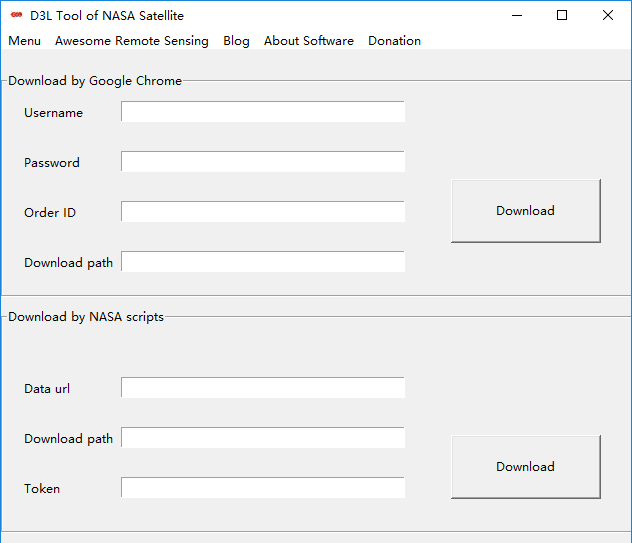
Dobule Cick the D3LToolNASA.exe.
1 Menu
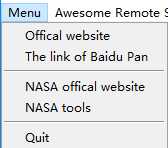
Click Menu. Offical website is the homepage of D3L Tool of NASA Satellite. The link of Baidu pan provide another download way. The NASA offical website will open the url of nasa satellite: 'https://ladsweb.modaps.eosdis.nasa.gov/' in your browser. The NASA tool provide some tool and service of NASA Satellite.
2 Awesome Remote Sensing
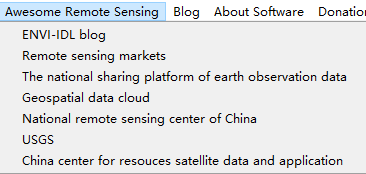
Click Awesome Remote Sensing. A curated list of awesome remote sensing resources.
3 Blog

Click Blog. It will open my blog in you browser.
4 About Software
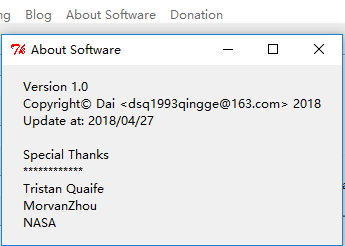
Click About Softawre. Some informations of software.
5 Donation
Click Donation. Thank you for your Donation.
Download NASA Satellite
1 Google Chrome Browser
First of all, You have installed the google chrome browser in your computer. Then you can use it.
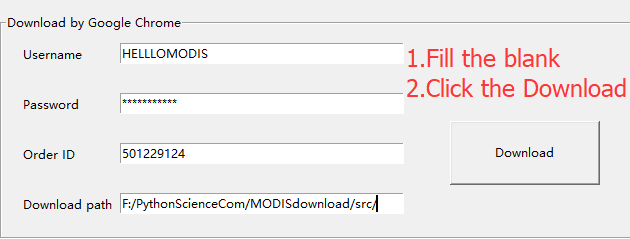
Then, You must have an account of NASA Earthdata. Username and Password was filled by your account.
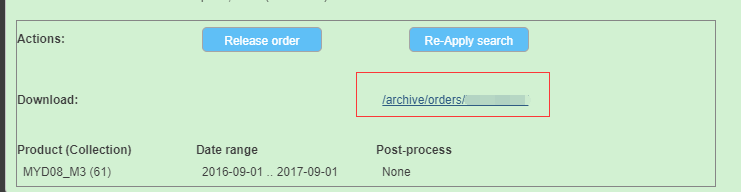
You can get an ID of your order. The download path used to save the list of data that you download. But it can't depend the path of NASA satellite which were saved. If you want to change the path. Please change options of google chrome browser.
Finally, you should click Download and start your download.
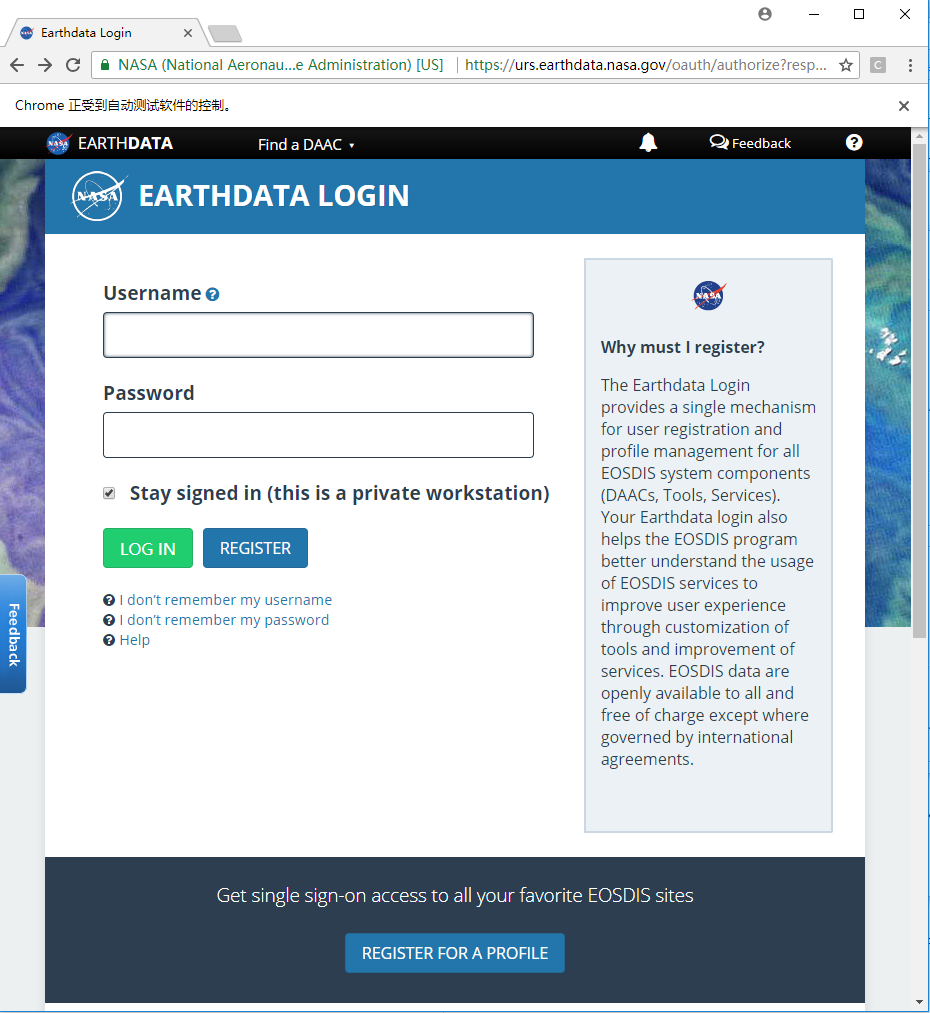
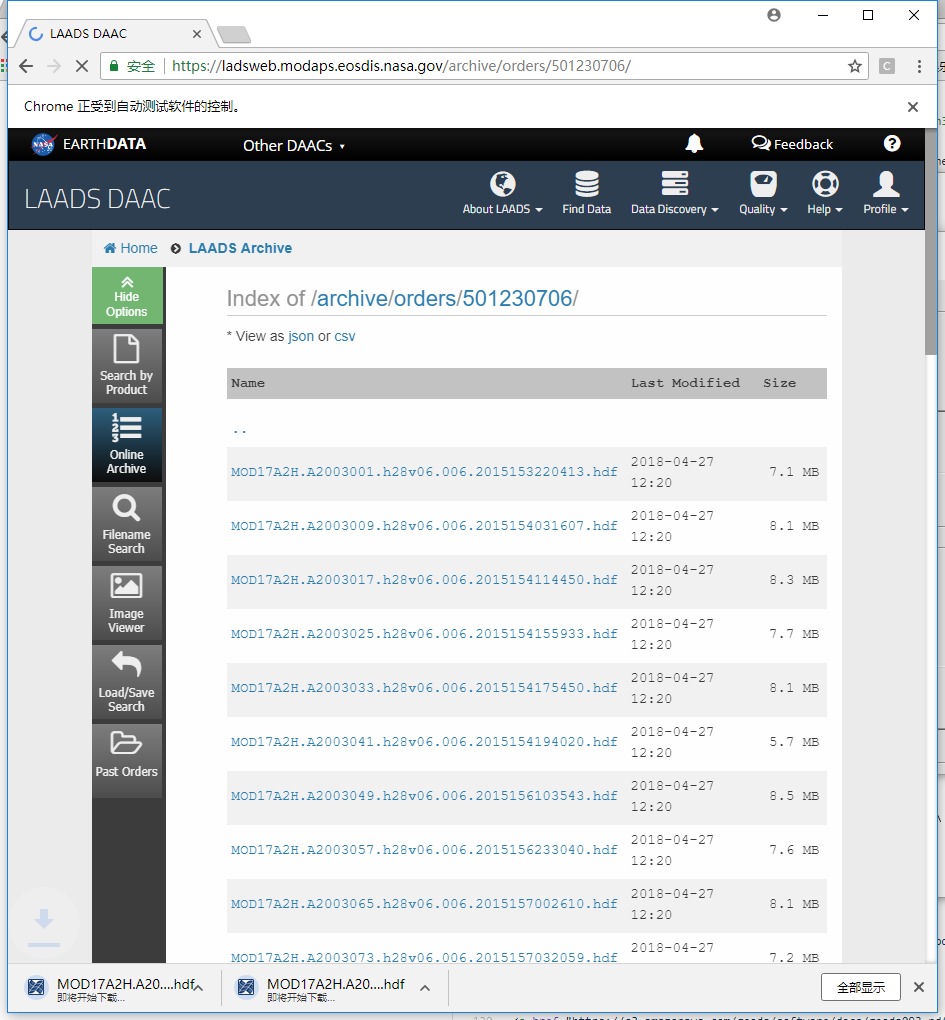
The D3LToolNASA.exe will open the google chrome browser and download the data.
2 NASA Scripts
I have packaged the laads-download-data.py into a exe which called nasa.exe. If you're very familar with Command Line, you can use the nasa.exe and CMD to download NASA Satellite.
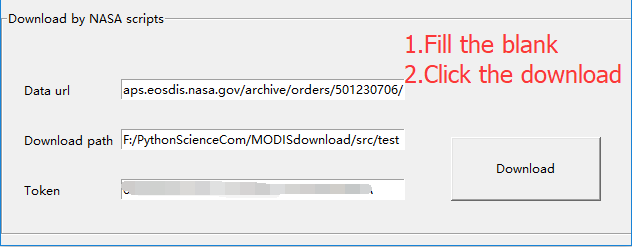
First of all, You must have a app-key of NASA Earthdata.
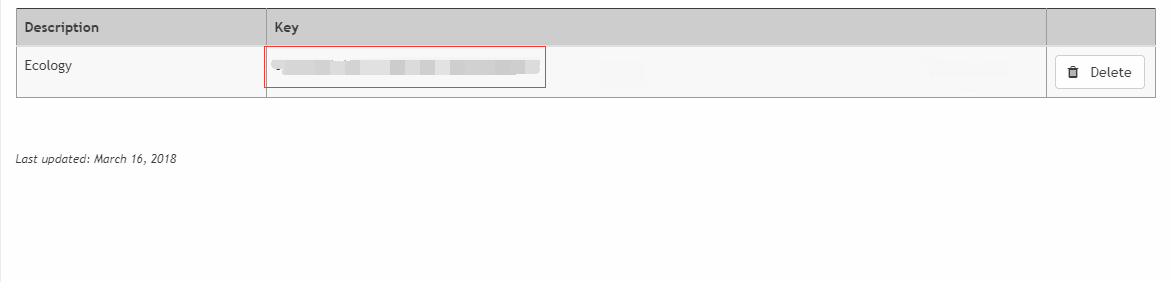
Then, you have to get the url of your orders.
Finally, you should click Download and start your download.
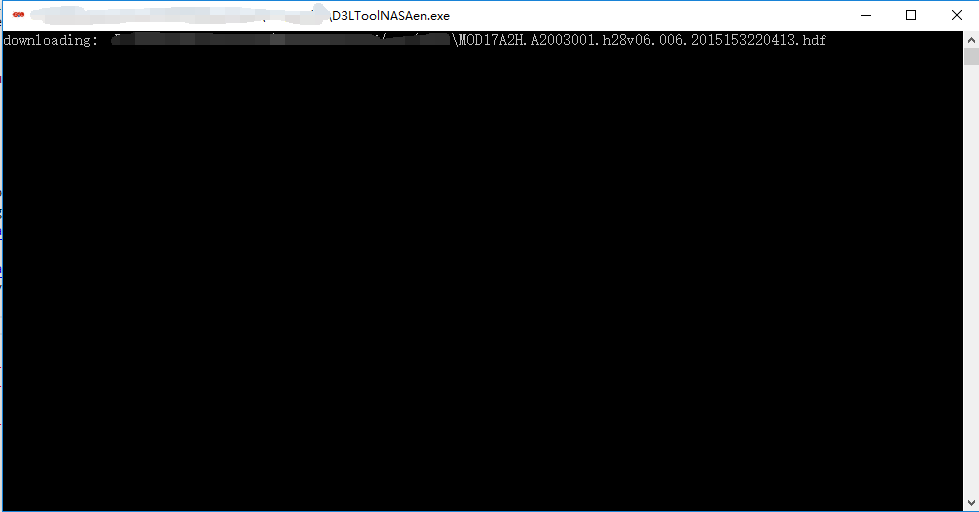
The D3LToolNASAe.exe will download the data